
Executive Minimalist
A refined executive signature with portrait and wordmark.
Start with polished templates for executives, founders, consultants, and teams. Customize your details, then copy clean HTML into Gmail, Outlook, Apple Mail, and more.

Works where you send


Template gallery
Preview polished layouts for founders, consultants, healthcare professionals, real estate advisors, and customer-facing teams.
A refined executive signature with portrait and wordmark.

An elegant private advisory signature with serif hierarchy.

A healthcare specialist signature with clinical identity, appointment CTA, and trusted contact rows.

A luxury real estate signature with portrait, refined brand block, property CTA, and social links.
A SaaS founder signature with brand block, social actions, and demo CTA.

A customer success signature with portrait, onboarding CTA, and social links.
Build from a professional template
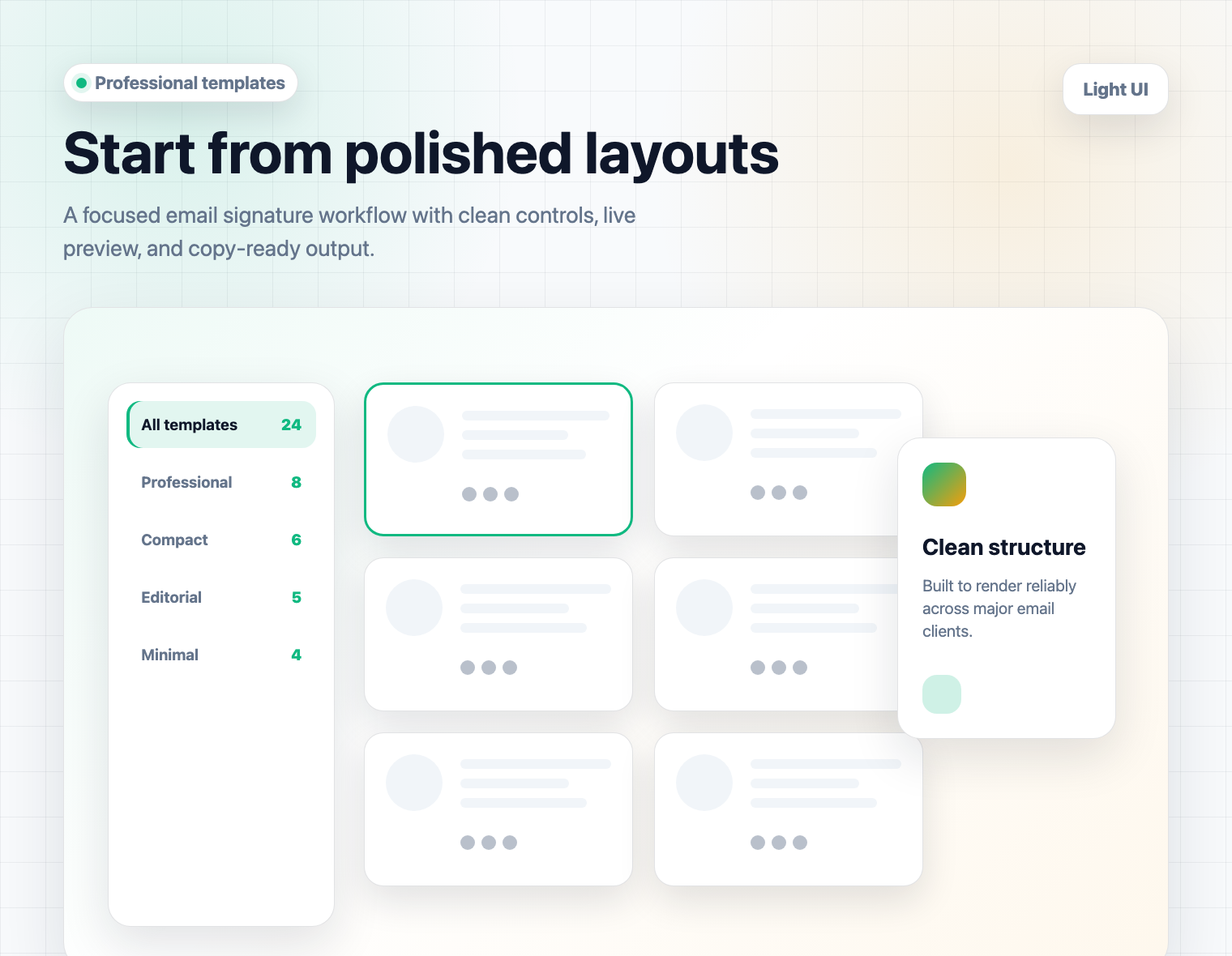
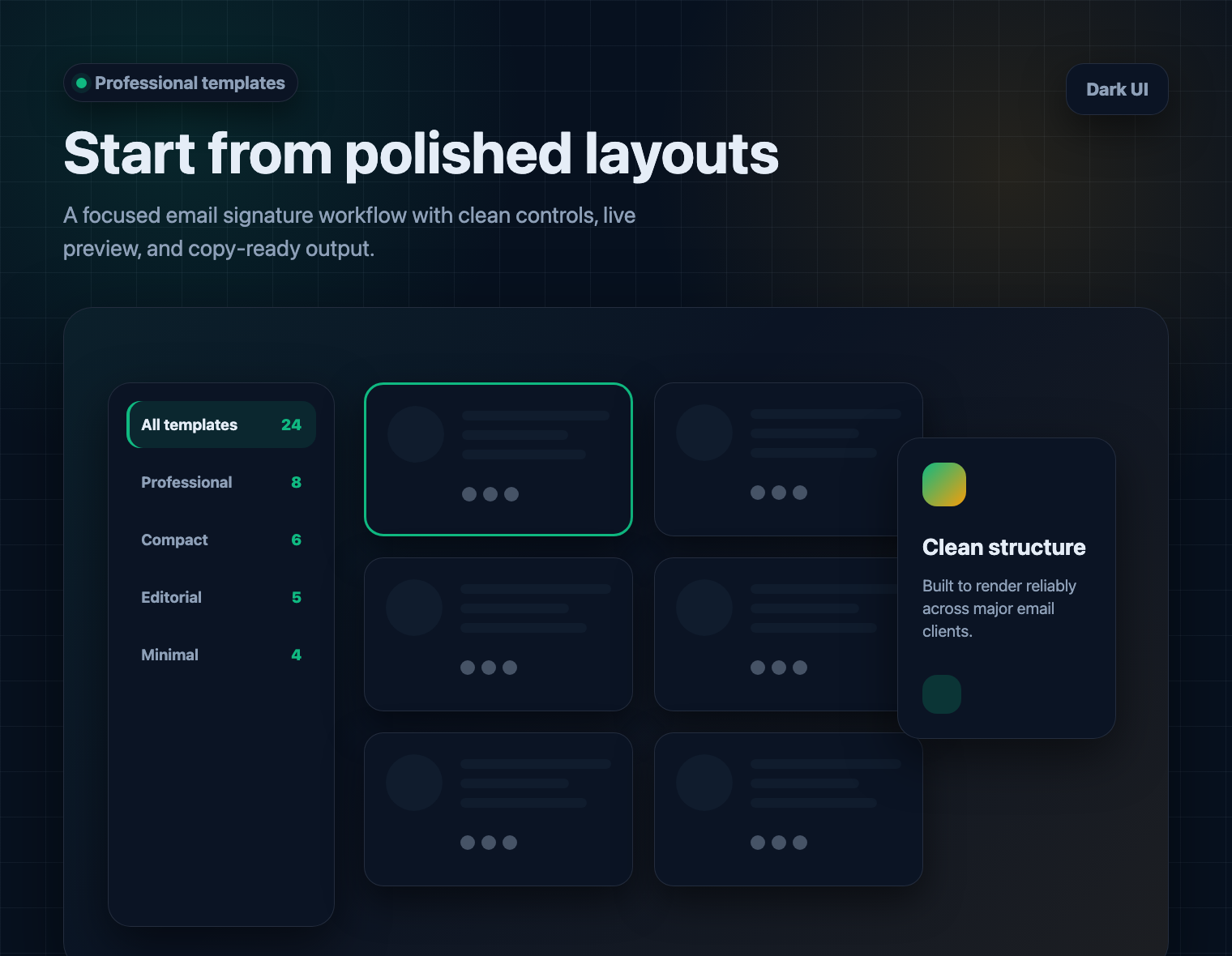
Start from a designer-made template, add profile and brand details, preview the result, then copy clean HTML into your email client.
Start from a designer-made template, add profile and brand details, preview the result, then copy clean HTML into your email client.
Template-to-inbox workflow
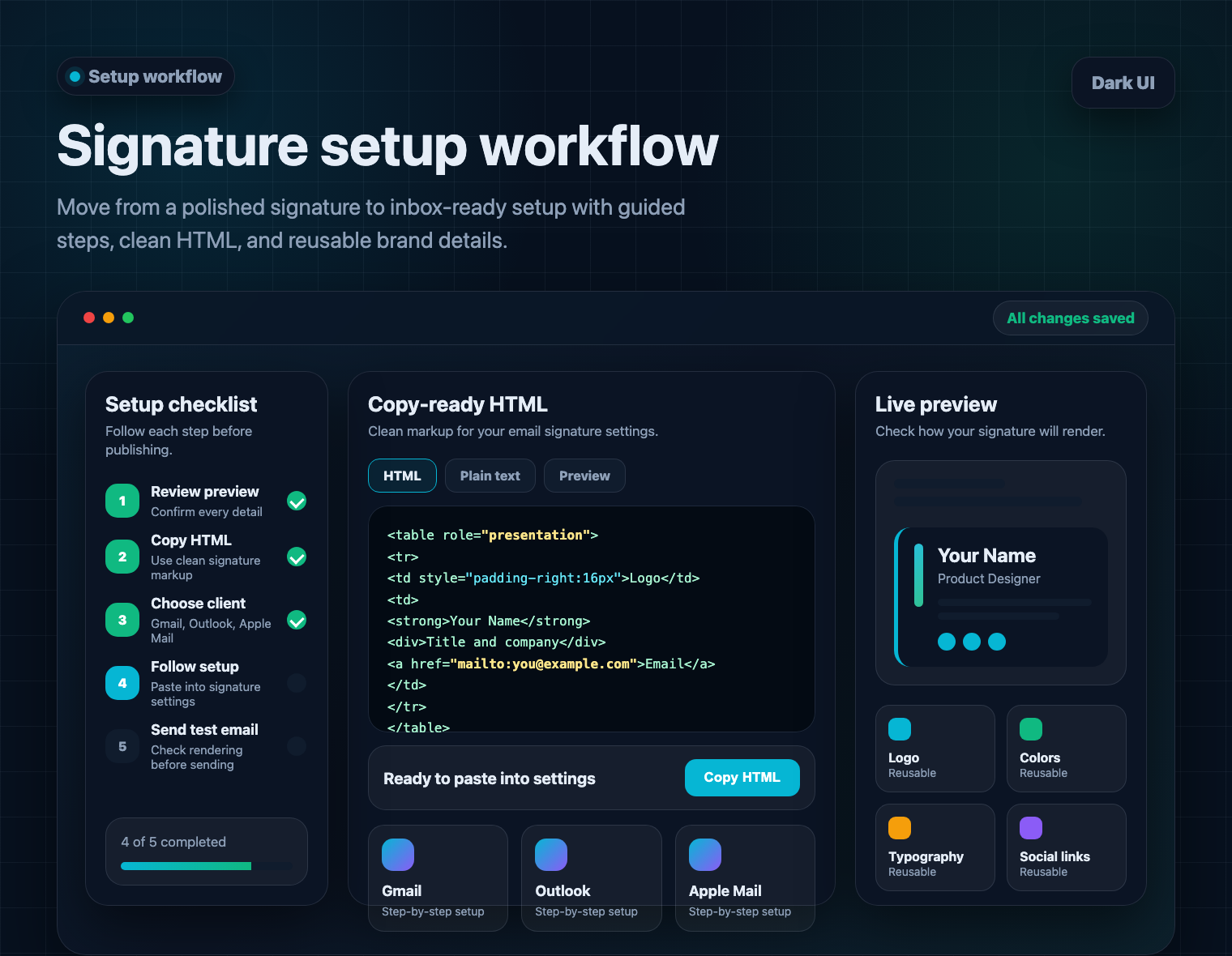
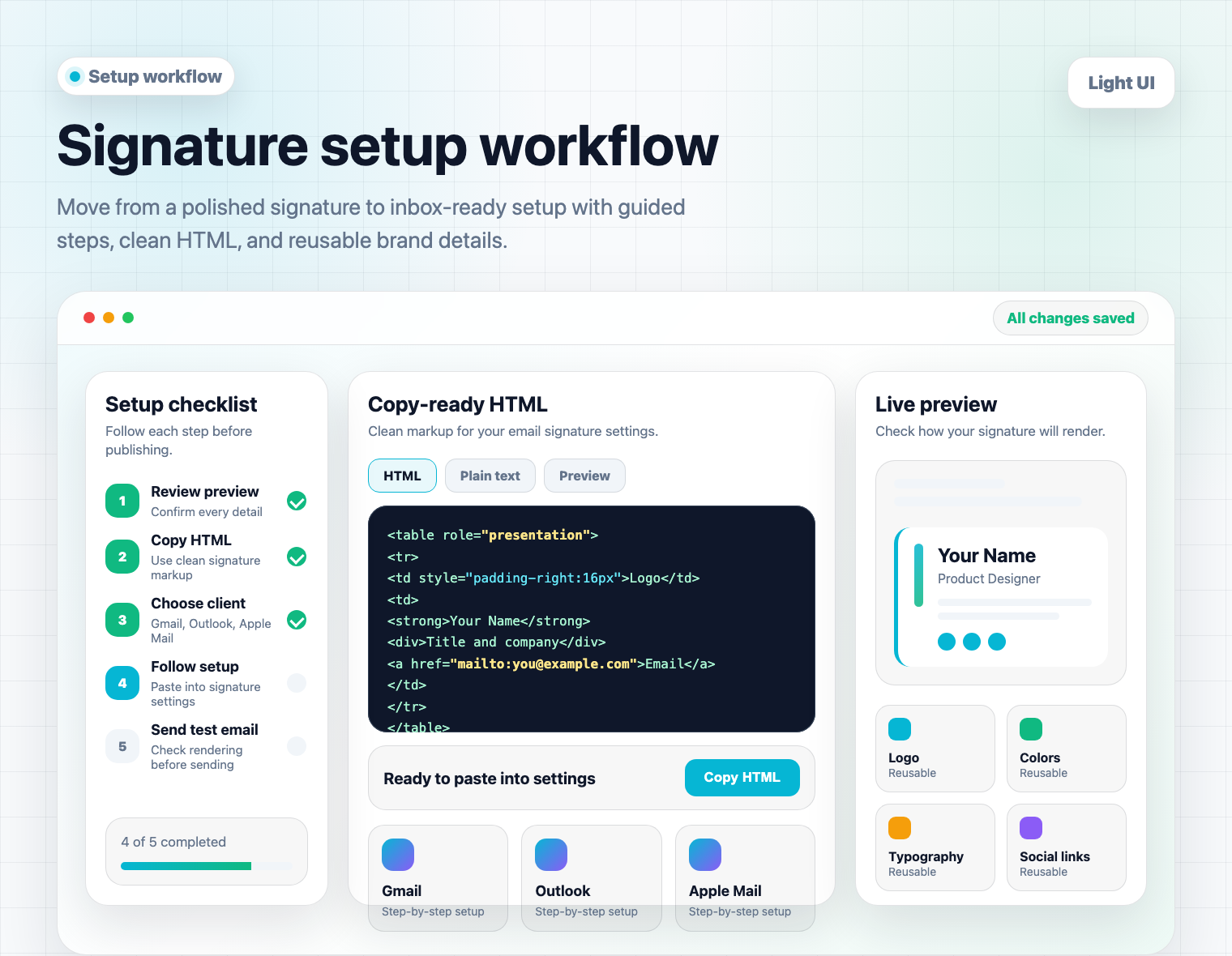
Choose a template, edit the details, copy clean HTML, and follow client-specific setup steps so the final signature lands cleanly in your inbox settings.
Choose a template, edit the details, copy clean HTML, and follow client-specific setup steps so the final signature lands cleanly in your inbox settings.
Inbox-ready details
A signature has to survive real inbox settings, not just look good in a preview. This section explains how the builder turns a template, your profile details, and clean HTML into a signature you can use in daily outreach.
Start with a role-focused template, add name, title, company, contact links, avatar, logo, colors, and social profiles, then review the result before export. The builder keeps the visual choices close to the final HTML so you can move from draft to inbox without rebuilding the layout by hand.
Most email clients strip scripts, ignore modern layout tricks, and handle images differently. A copy-ready HTML email signature keeps structure simple, uses predictable spacing, and gives you a safer paste target for Gmail, Outlook, Apple Mail, Yahoo Mail, Thunderbird, and Microsoft 365.
The email signature generator focuses on the clients professionals use every day. You can preview a polished result, copy the HTML, and paste it into inbox settings while keeping important details such as phone numbers, meeting links, disclaimers, and brand assets readable.
Before you copy the signature, review spacing, image size, link labels, and mobile readability. The preview gives you one place to catch missing phone numbers, outdated titles, broken website links, or brand colors that do not match your company before the signature reaches customers, partners, or candidates.
Use the email signature generator for founders, consultants, sales teams, healthcare professionals, recruiters, real estate advisors, agencies, and customer-facing teams. Each template gives you a starting point that can be adapted for one person or repeated across a small team.
For a team, reuse the same layout and brand details, then adjust each person's name, role, calendar link, and social profiles. That keeps sales, support, recruiting, and leadership emails visually connected without asking every teammate to edit HTML, resize images, or guess which brand color to use.
Start free, upgrade when you need unlimited signatures
Email signature FAQs
Customer stories
Start free, customize your details, and copy clean HTML into Gmail, Outlook, Apple Mail, or the email client you use every day.